
Name-Based Case Searches
The Stark County Clerk of Courts runs a public Online Case Docket Search. It works through Stark CJIS. A name search works well when the case number is not at hand. Pick the court first, though. CJIS covers Common Pleas, Canton Municipal, Massillon Municipal, Alliance Municipal, and Family Court. Probate sits on its own path. Traffic, misdemeanor, small-claims, and limited civil matters live in the municipal courts, so choosing the right one before searching spares you a misleading no-result screen.
The simple search box accepts several keys. Type a last name, a first name, a name typed Last, First, a filing date, or a case number. It needs at least three characters to run. Enter the narrowest accurate term you can, then use the court and case-type filters shown on screen to shrink the Stark County results to a list you can actually scan.
- Open the Clerk-linked Stark County CJIS search route and select the court if the notice identifies one.
- Enter a last name, first name, or the available name format in the search string.
- Use the court and case-type filters to separate civil, criminal, or traffic results when needed.
- Open the matching case only after checking its case number, type, and file date.
Note: A common surname can pull up many Stark County cases. Write down the court and file date before trusting any single result row.
| Field Label | Type | Required | Stark County Use |
|---|---|---|---|
| Enter search string here | Text | Yes for simple search | At least three characters; accepts names, a filing date, or a case number. |
| Last Name / Company Name | Advanced text field | No | Use with other advanced criteria to narrow a Stark County search. |
| First Name | Advanced text field | No | Helps distinguish matching Stark County names. |
| Court / Case Type | Multi-select or dropdown | No | Offers CPC, CMC, MMC, AMC, FC and Civil, Criminal, or Traffic choices. |
Stark County CJIS Docket Search
CJIS is the county's shared electronic docket for participating Stark County courts. It is not one court's private archive. The Court selector lists CPC for Common Pleas, CMC for Canton Municipal, MMC for Massillon Municipal, AMC for Alliance Municipal, and FC for Family Court. Case Type offers Civil, Criminal, and Traffic. The traffic option can sweep in camera and parking tickets. Those pairings make a CJIS docket search far sharper than a bare surname.
Advanced search adds more fields. Fill in first, middle, and last name, date of birth, case number, phone number, attorney registration number, and filed-from and filed-to dates. These are search choices, not a guarantee that every case or document is visible online. CJIS caps results at 1,000. Narrow a broad Stark County name search by court, type, or filing dates before concluding a case is missing.
Case Number Searches
A case number is the cleanest Stark County docket search key. It points to one court record instead of a pile of similarly named results. Type it exactly as it appears on the court notice or earlier docket material. General Division local rules number new filings consecutively in a fresh series each calendar year. No single prefix or punctuation pattern covers every division.
The Clerk FAQ keeps historic starting examples. Criminal 85-5001, civil 85-007, domestic relations 97356, and appeals 6550 appear there. Those mark the start of computerized records, not a modern format to copy. When a number returns nothing, double-check the court. Check the digits too. Ask whether the case actually belongs to Probate or another separate channel.
Stark County Docket Search Codes
Court codes route a Stark County docket search. CPC points to Common Pleas. CMC, MMC, and AMC mark the three municipal dockets, and FC means Family Court. A felony can open with municipal preliminary proceedings. It can later surface in the Common Pleas Criminal Division, and an appeal can open a separate Fifth District Court of Appeals file. So read any code alongside the case type and file date. Do not assume where a matter stands yet.
- Case docket
- The chronological court-maintained list of filings, orders, hearings, and events in one Stark County case.
- Next Action
- A CJIS case-detail label that helps identify the current listed step and should be checked with the newest docket event.
- Electronic journal
- The Clerk's electronically maintained court-journal record, which local rules distinguish from the general case docket.
- Case index
- The finding aid used to locate a docket or file, including the Stark County physical index route for older Common Pleas matters.
Stark County publishes no official legend for short CJIS event codes. Read a label within its full docket entry. Confirm anything unclear with the clerk responsible for that court record.
Case Search Results Explained
A CJIS result row shows Case #, Name, Type, and File Date. Open Case Detail. Inside you may find a caption, the assigned court or judge, case type, status, Next Action, parties and counsel, a dated docket register, and financial categories where the template shows them. Criminal and traffic matters can add charge descriptions, statute or degree, sentence, and money owed. A result identifies the case and its chronology. It is not automatically the complete document file.
The Stark County docket register lists date, a PDF column, and Docket Entry text, plus a Search Docket Text filter. Work backward from the newest entry far enough to tell a finished hearing from one still ahead. A filed image may stay off-limits to guests. That can happen even when its docket entry shows. Family Court images carry extra approval limits.
| Case # | The court's identifying number and the strongest reference for a Stark County follow-up. |
|---|---|
| Name | The case caption or displayed party name, which must be checked against the court and file date. |
| Type | The displayed Civil, Criminal, Traffic, or other case category. |
| File Date | The date the case was filed, which is different from a scheduled hearing date. |
| Next Action | The current listed action; verify it against the newest dated entry and the responsible court. |
Note: Docket status is context, not the last word. The newest order and the court's own confirmation control any Stark County hearing date.
Stark County Docket Search Limits
A dead-end CJIS search deserves a closer look. Do not give up yet. The Clerk's computerized Common Pleas docket reaches back to January 1, 1985, covering criminal, civil, domestic relations, and appeals records, and the system stops displaying after 1,000 results. Too many hits? Narrow your terms. Zero hits can point to a spelling or number mismatch, the wrong court, a coverage gap, a separate Probate route, a portal problem, or a restricted record. It never proves a Stark County case did not exist.
Older files take legwork. For a Common Pleas matter filed before 1985, the Clerk sends index research to the sixth floor of the County Office Building at 110 Central Plaza South, Suite 690. Bring a party name and an approximate year. Include the case category and any number you know. When an online setting looks unclear, the Clerk will run a status check by phone at 330-451-7801, though the responsible court sets the actual date.
A result that points outside normal CJIS coverage is worth checking against the Supreme Court of Ohio trial-court directory. That page lays out the court structure and the local court path.
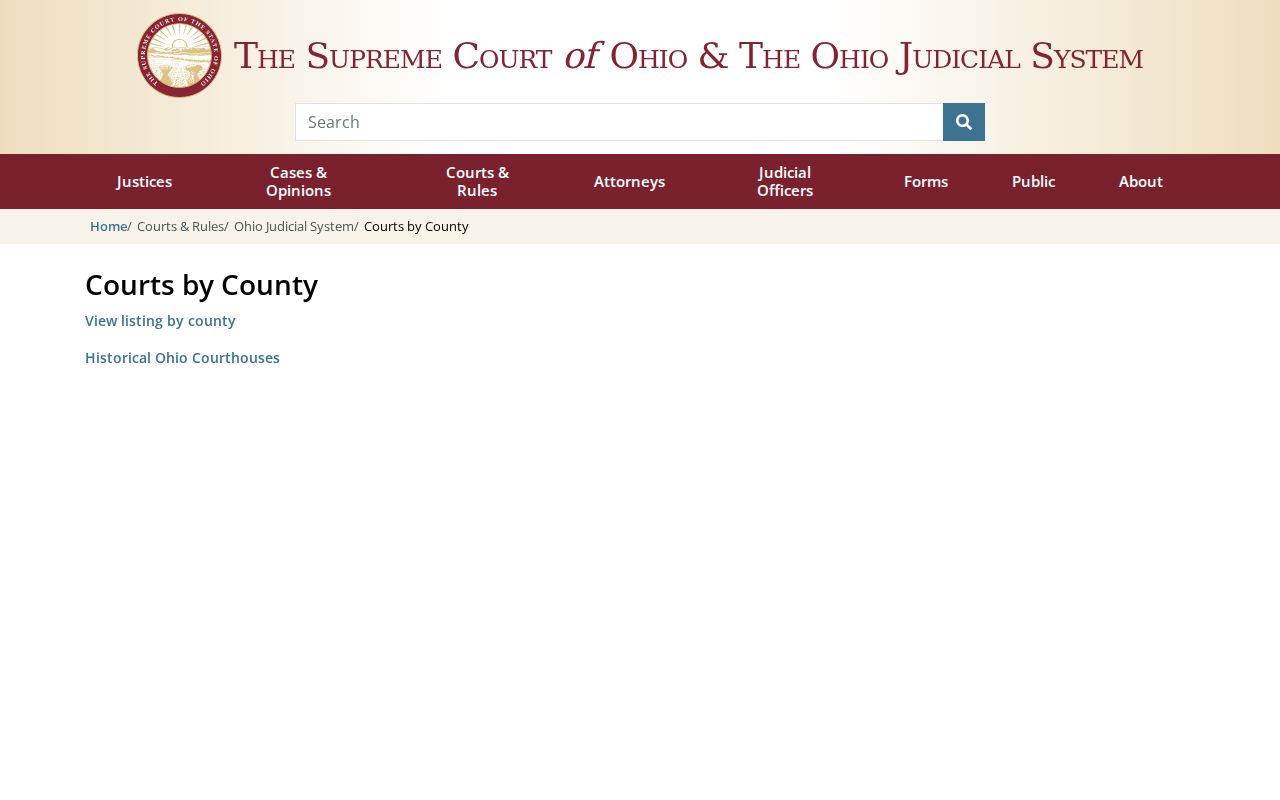
The directory page makes the local point plain. Picking the right court comes first in any reliable Stark County case search.
Two Ways to Search: County and State
Ohio does not run one statewide docket search that anyone can open. Instead, the Stark County case lookup you want lives at the local level. The state layer offers a court directory, rules, and statistics through the Ohio Supreme Court. Those tools help you figure out which court holds a case. They will not show you the docket itself.
For Stark County records, CJIS is the main route. It covers courts that take part. The municipal clerks, Probate Court, Family Court, and the Clerk divisions each keep their own files. Ask them directly. Each office can explain what its court records cover and what they do not.
The split matters when a search crosses court lines. A Fifth District appeal gets its own appellate docket. The trial docket may only show a notice of appeal. Probate runs its own separate path. A state directory can point you to the right court. It cannot replace Stark County CJIS, the clerk counter, or a division-specific case search.
The Supreme Court's court-record access overview lays out the statewide framework. It explains the local, custodian-based approach to court dockets.
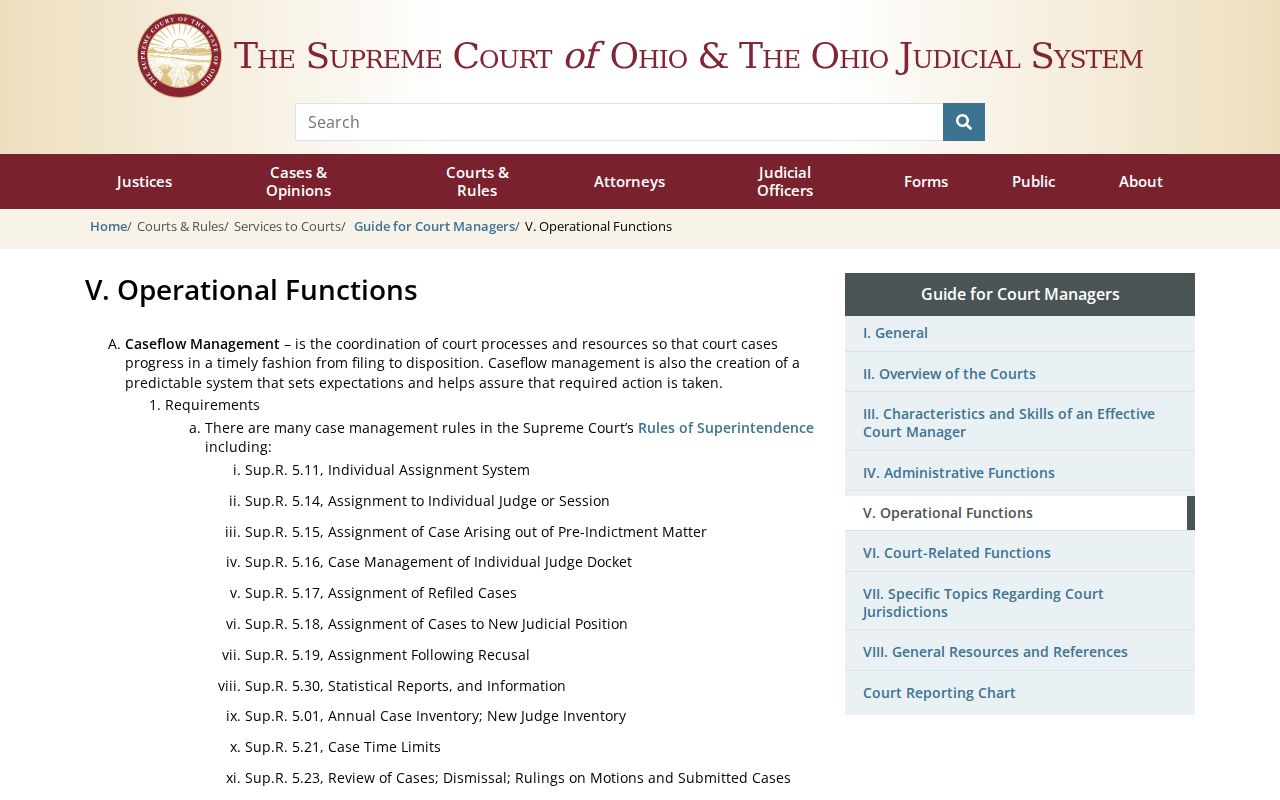
That overview is a useful reminder: public access rules never added up to one statewide Stark County docket database, so the local clerks and CJIS remain the working routes for court records.
Stark County Probate Docket Search
Probate is the one major Stark County search route outside CJIS. Its court runs two systems. Open cases and cases initiated on or after July 27, 2026 belong to the new JWorks Case Search. Anything initiated before that date sits in Legacy Case Search. During setup of the newer system, images may be unavailable, the court warns. So check the date and status of the matter. Do that before choosing a Stark County probate search.
The Probate Court's search-transition notice gives the official word on which system to use.
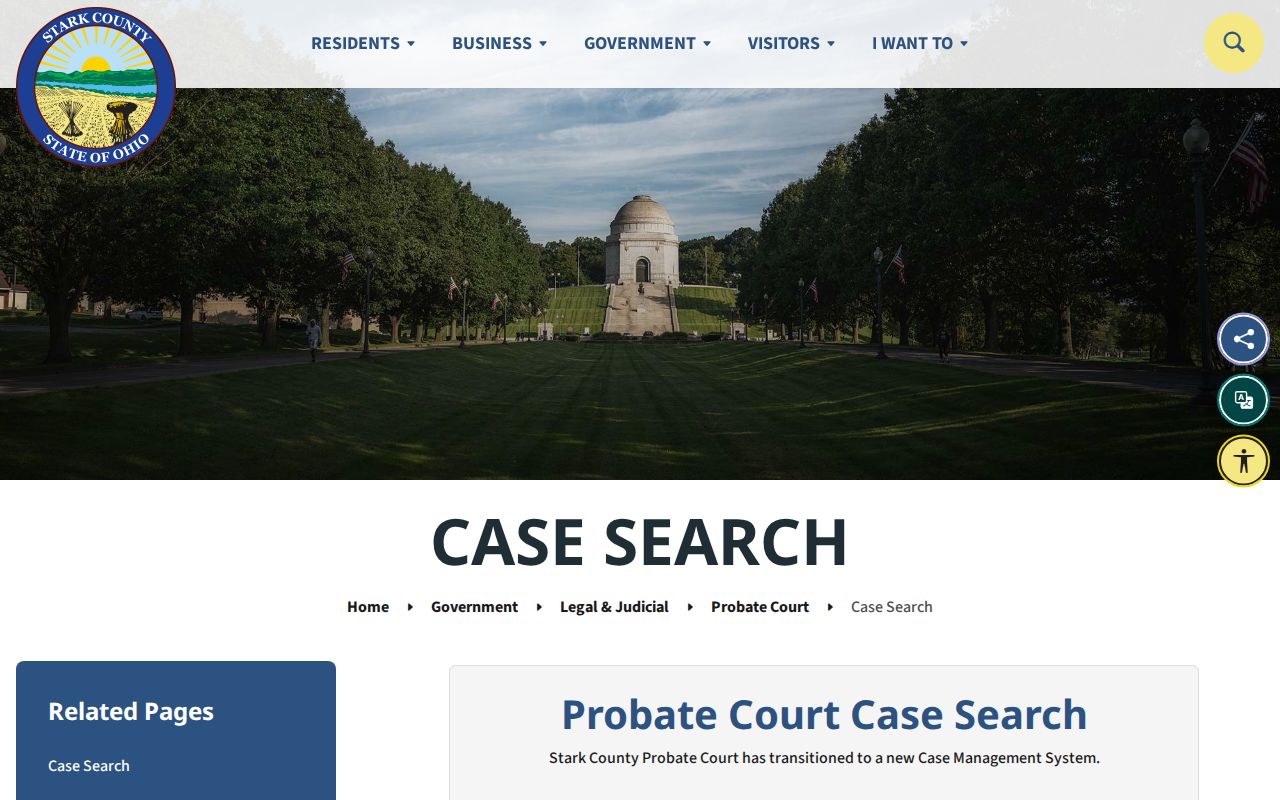
The transition notice clears up a missing probate result. Confirm the filing date first, and whether the case is still open.
Legacy Case Search takes a last name of at least two letters. An optional first name works too. So does a case number. Its marriage index starts April 23, 1986. One caution from the official page: the displayed docket date can differ from the document's filing timestamp. A document image is the better source for the actual filing date whenever one is available.
Stark County's Legacy Case Search shows the name-or-number routes for older probate matters.
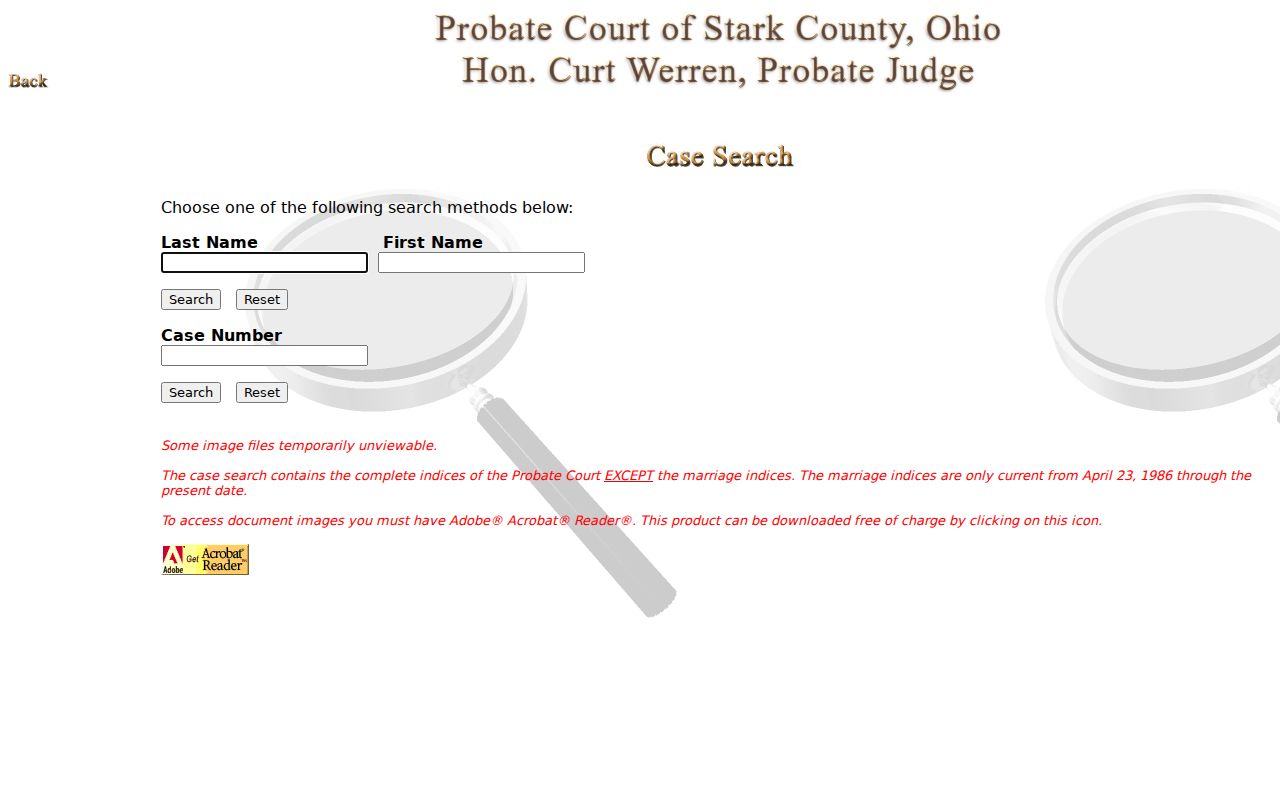
The Legacy interface covers only the pre-transition probate path. It cannot replace the broader CJIS docket search. For the designated Probate matters, JWorks Case Search is the official new route.
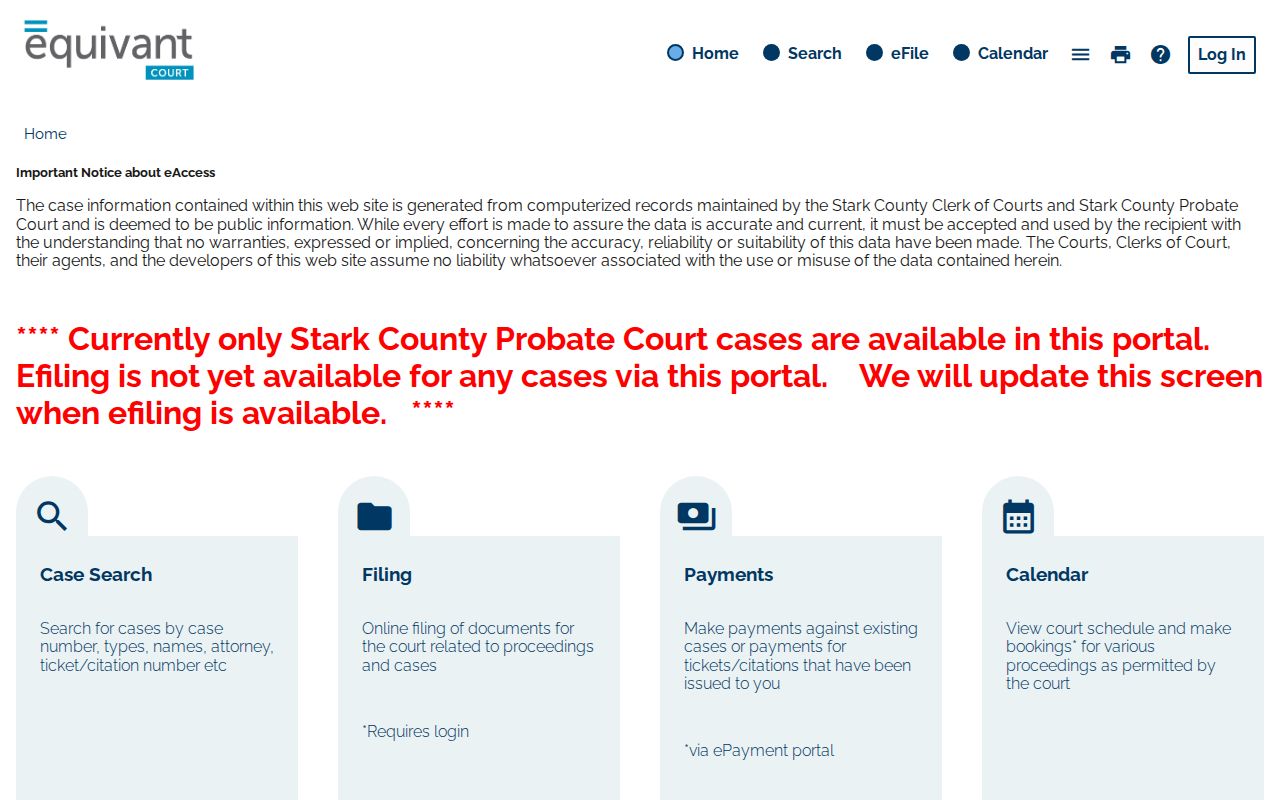
CJIS alone cannot answer every Stark County probate question.
Which Cases Stay Restricted
Ohio court records are presumed open under Rules of Superintendence Rule 11.10. Open does not mean identical access, though. Rules 11.11 through 11.14 permit limits on remote access, protected identifiers, and restricted records. A Stark County docket may show a dated event. The filed image may stay redacted, hidden from guests, or restricted outright. Juvenile, adoption, and sensitive family matters face the tightest limits.
Sealed or expunged adult matters can be restricted under Ohio Revised Code 2953.32. Juvenile names in abuse, neglect, and dependency cases carry separate protection. A missing result belongs with the proper clerk. Make a clear request where access is permitted. Never try to bypass a restriction. The Clerk's FAQ offers no expungement forms and points people who need preparation help to a library or an attorney.
Ohio access rule: Sup.R. 11.09-11.16 govern court-record access and restrictions; R.C. 2953.32 addresses sealing and expungement eligibility and timing.
Stark County eFlex Docket Access
Stark County eFlex is Tybera's official filing system for the county. Its accounts exist to file into a case. Or they open a new one where the court allows it. It is not the CJIS docket search. Nothing about a filing account promises that every scanned image is open to any public user, and mixing up those two tools is the most common Stark County docket search mistake. A filing tool starts paper. A case-reading tool shows it.
For reading case details, CJIS stays the public starting point for participating cases. Anything beyond that, like a certified copy, an older index, or a file with remote-access limits, belongs to the Clerk or court office holding the record. The Legal Division counter handles Common Pleas civil and criminal files. It sits at 115 Central Plaza North, Suite 101. Domestic relations, juvenile, and appellate matters go through Suite 690. Probate runs on its own separate court-office search path.
Note: A Stark County docket entry on screen only identifies an event. A certified copy must come from the clerk or court that keeps the record.